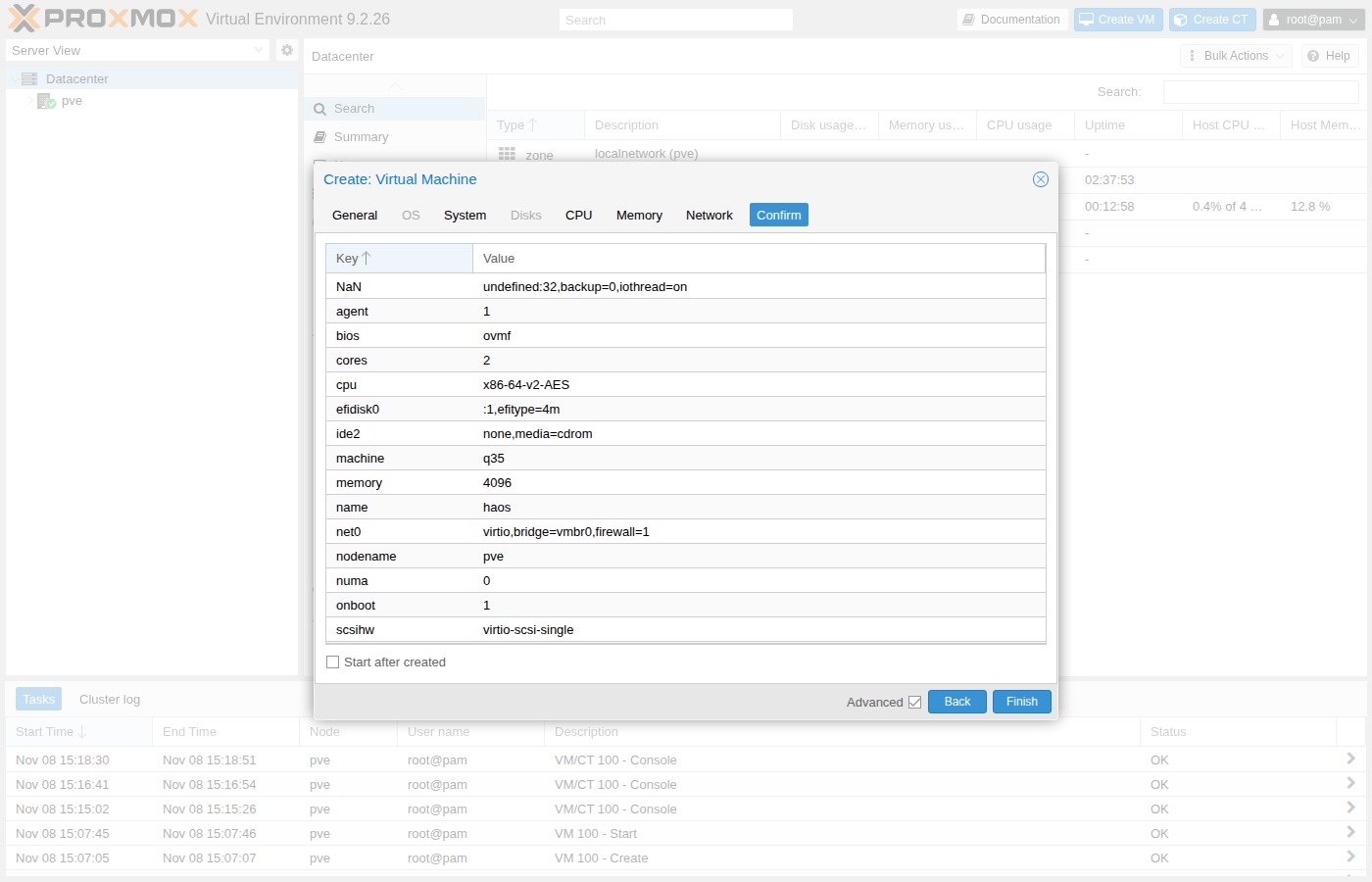
Create VM
In the Proxmox web UI, open Create VM. Leave Start after created off — you import the disk next.
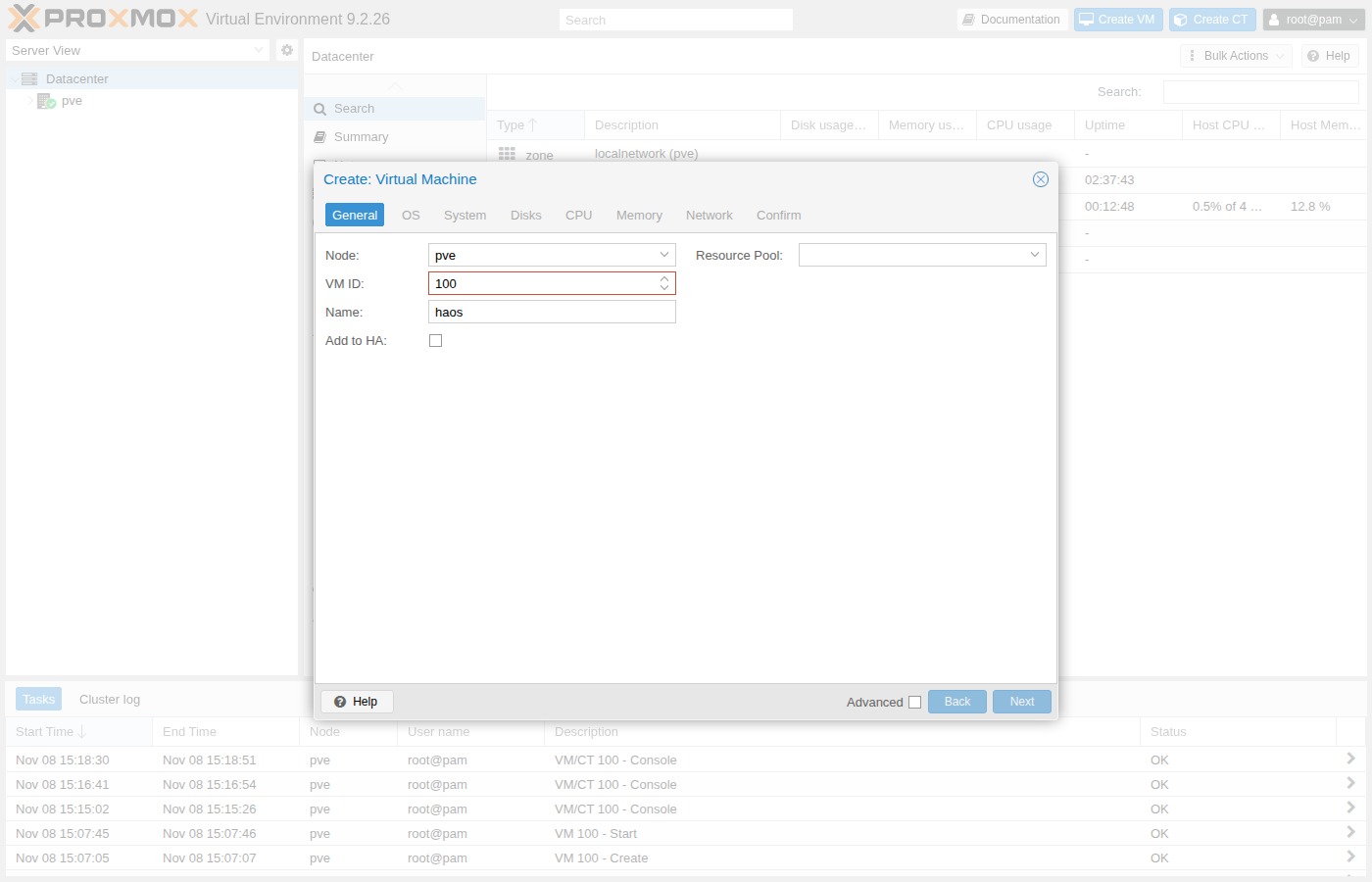
General
| Field | Value |
|---|---|
| Node | your Proxmox node (example pve) |
| VM ID | free ID (example 100; use pvesh get /cluster/nextid) |
| Name | haos |
| Start at boot | on |
OS
| Field | Value |
|---|---|
| ISO image | Do not use any media |
| Guest OS type | Linux |
| Version | 6.x - 2.6 Kernel |
System
Put the EFI disk on local-zfs.
Put the EFI disk on local-lvm.
| Field | Value |
|---|---|
| Graphic card | Default |
| Machine | q35 |
| BIOS | OVMF (UEFI) |
| Add EFI Disk | on |
| EFI Storage | local-zfs or local-lvm (match your tab) |
| Pre-Enroll keys | off (Secure Boot breaks HAOS) |
| SCSI Controller | VirtIO SCSI single |
| QEMU Guest Agent | on |
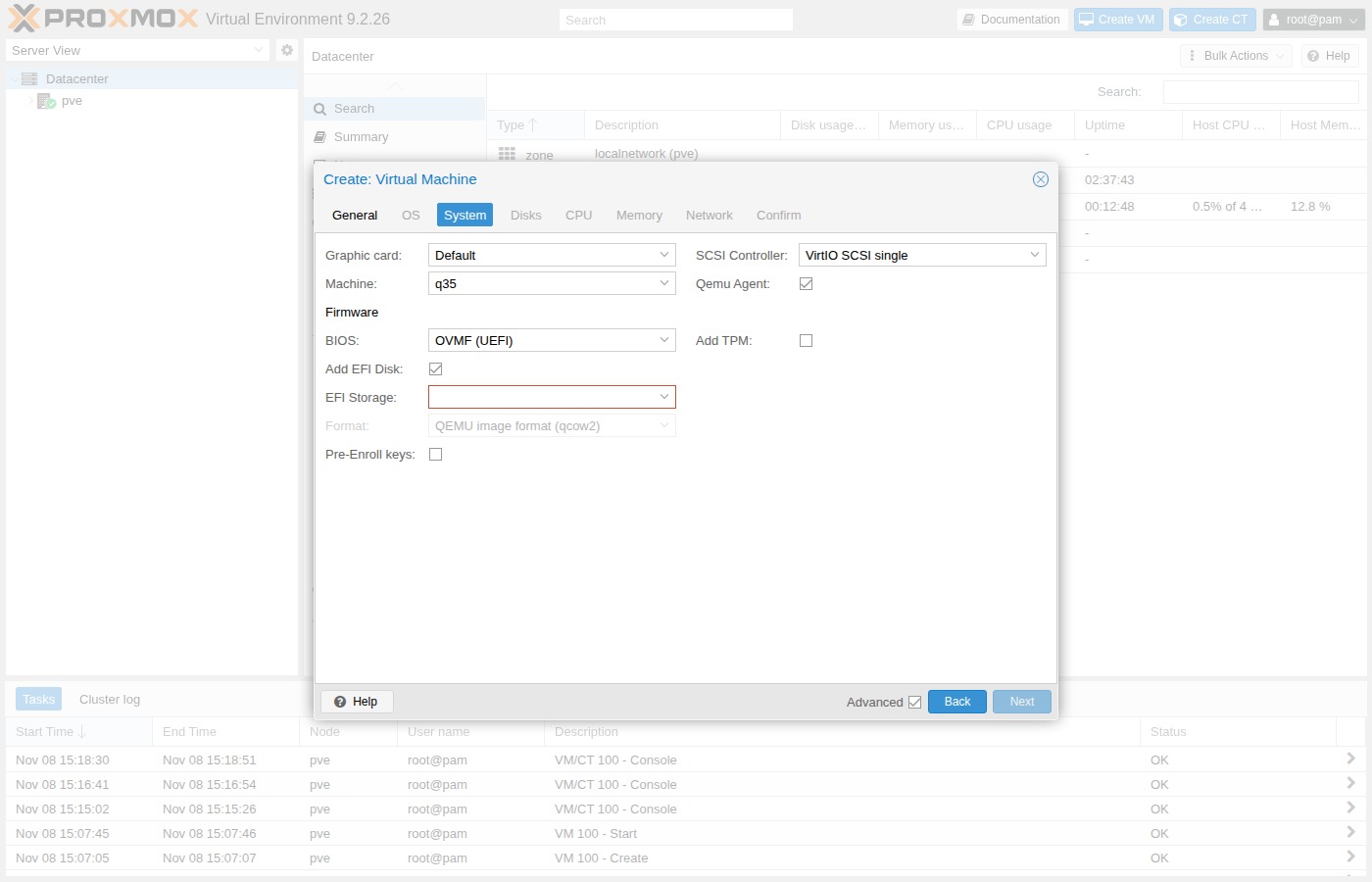
Pre-Enroll keys
Leave Pre-Enroll keys unticked. With Secure Boot on, HAOS fails to boot (UEFI “Access Denied” or a boot loop).
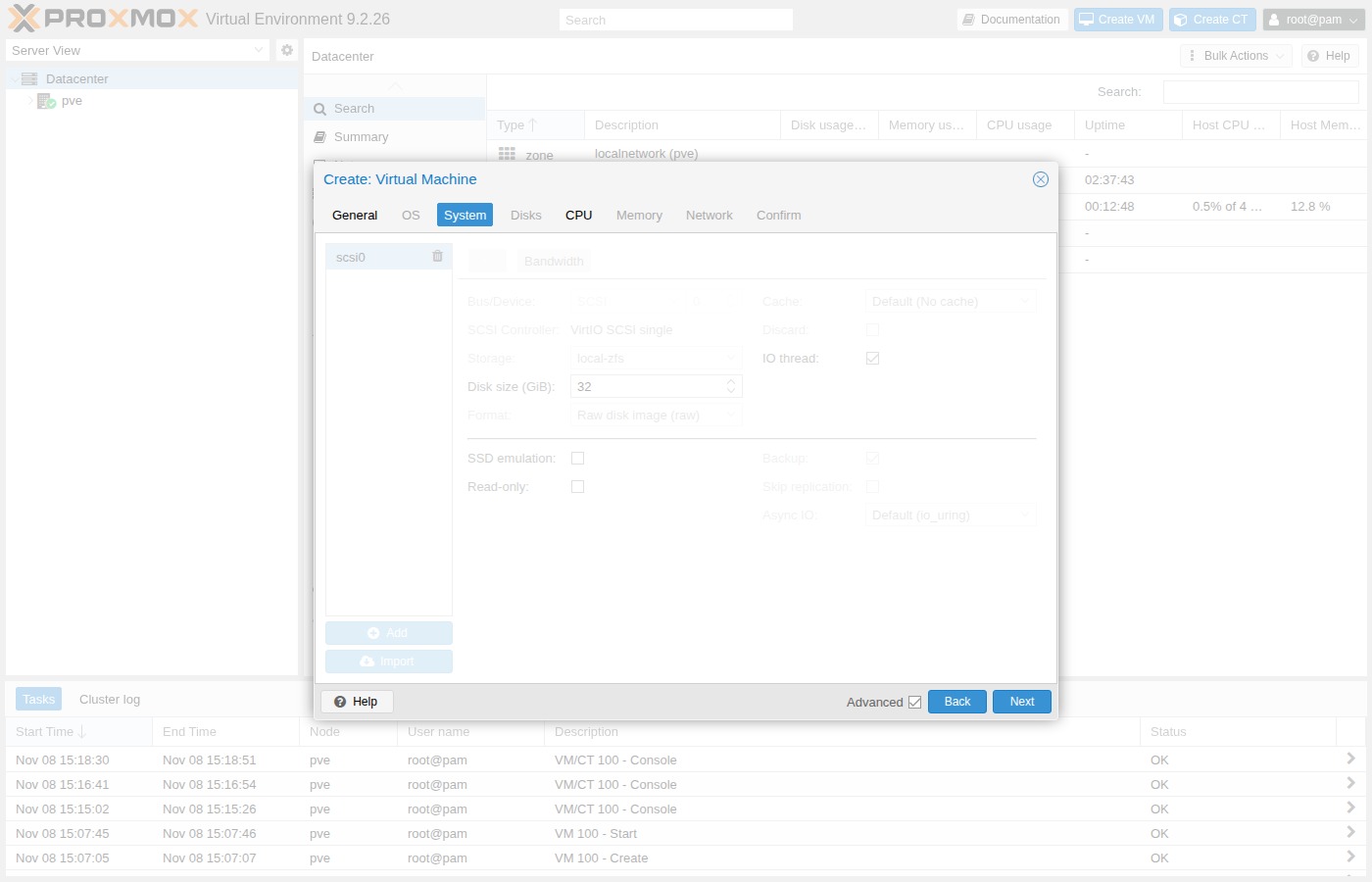
Disks
Delete the wizard’s default hard disk. You attach the HAOS image in the next page — do not keep an empty unused disk.
CPU
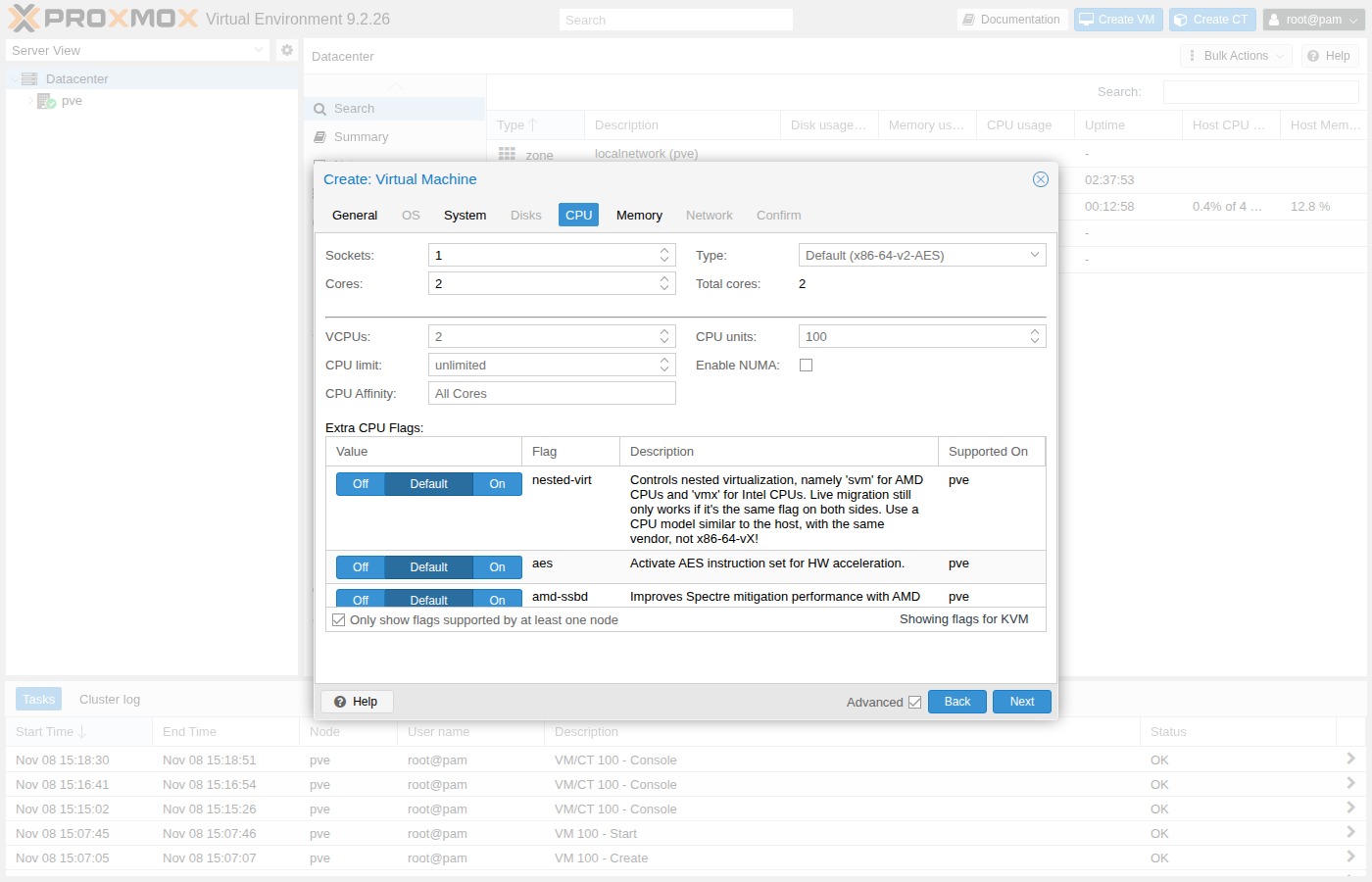
| Field | Value |
|---|---|
| Sockets | 1 |
| Cores | 2 |
| Type | host |
Memory
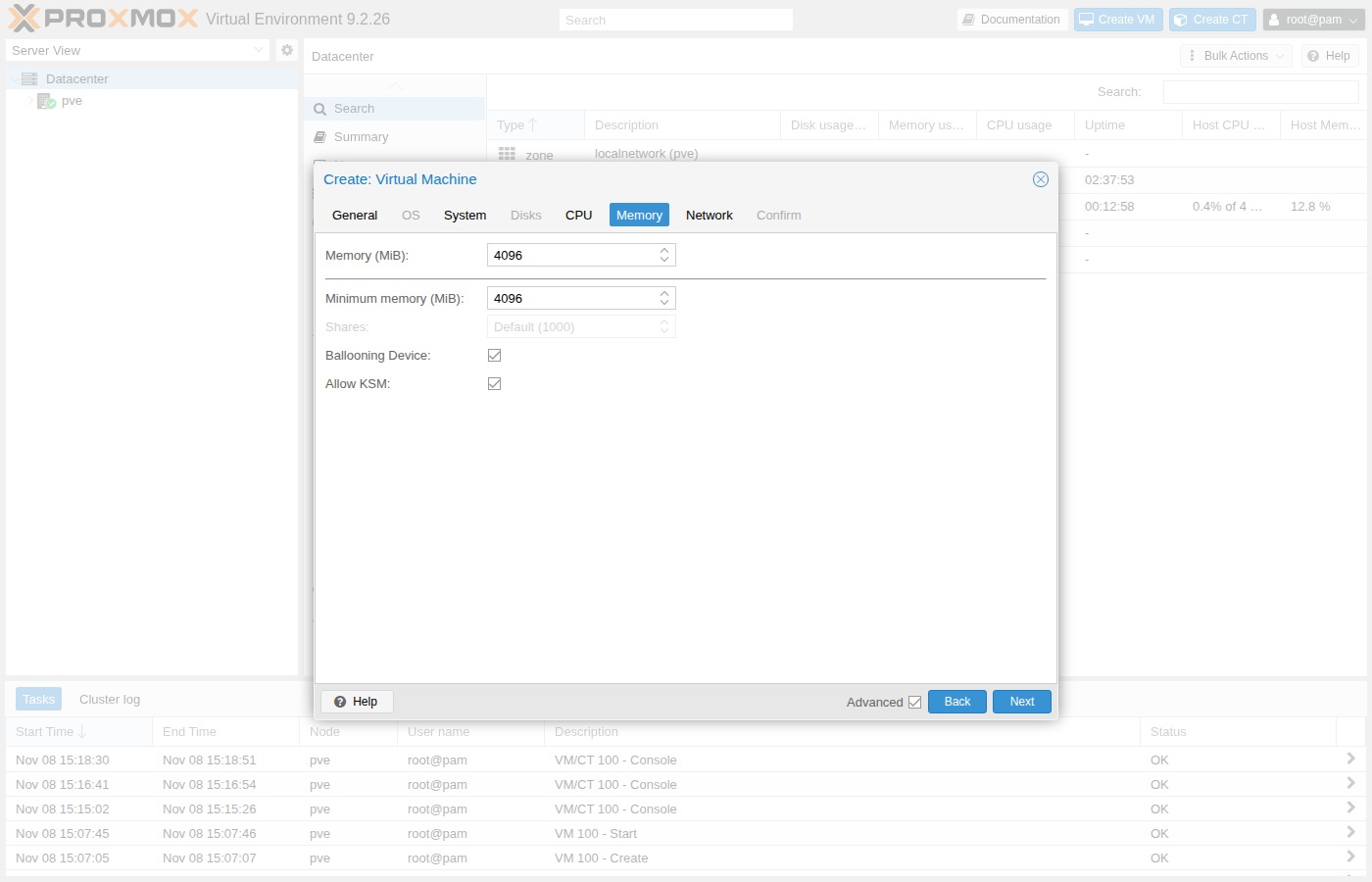
| Field | Value |
|---|---|
| Memory | 4096 MiB (official minimum is 2048) |
Network
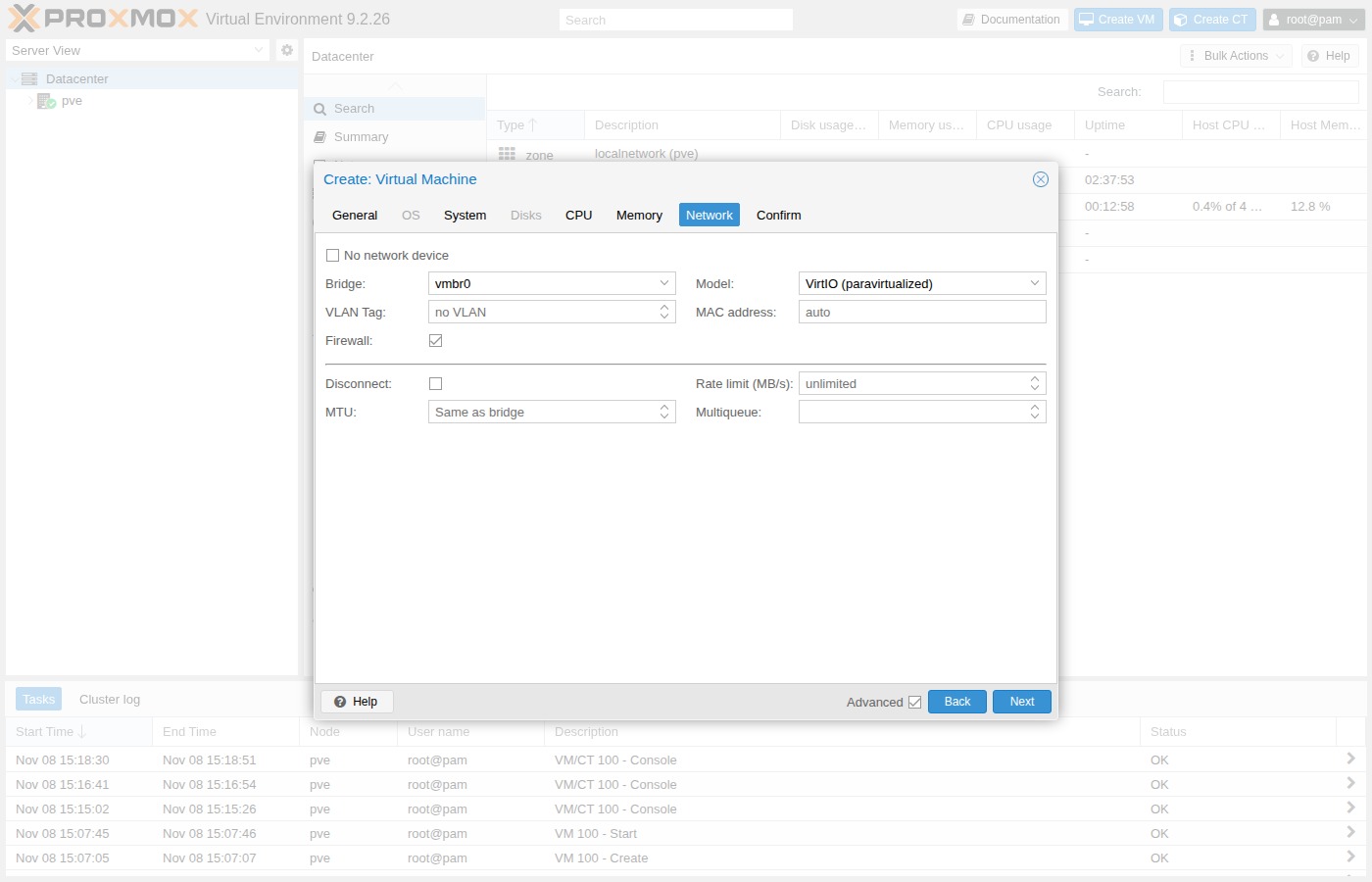
| Field | Value |
|---|---|
| Bridge | vmbr0 |
| Model | VirtIO (virtio) |
| Firewall | off (lab default) |
Confirm
Review the summary. Keep Start after created off, then Finish.